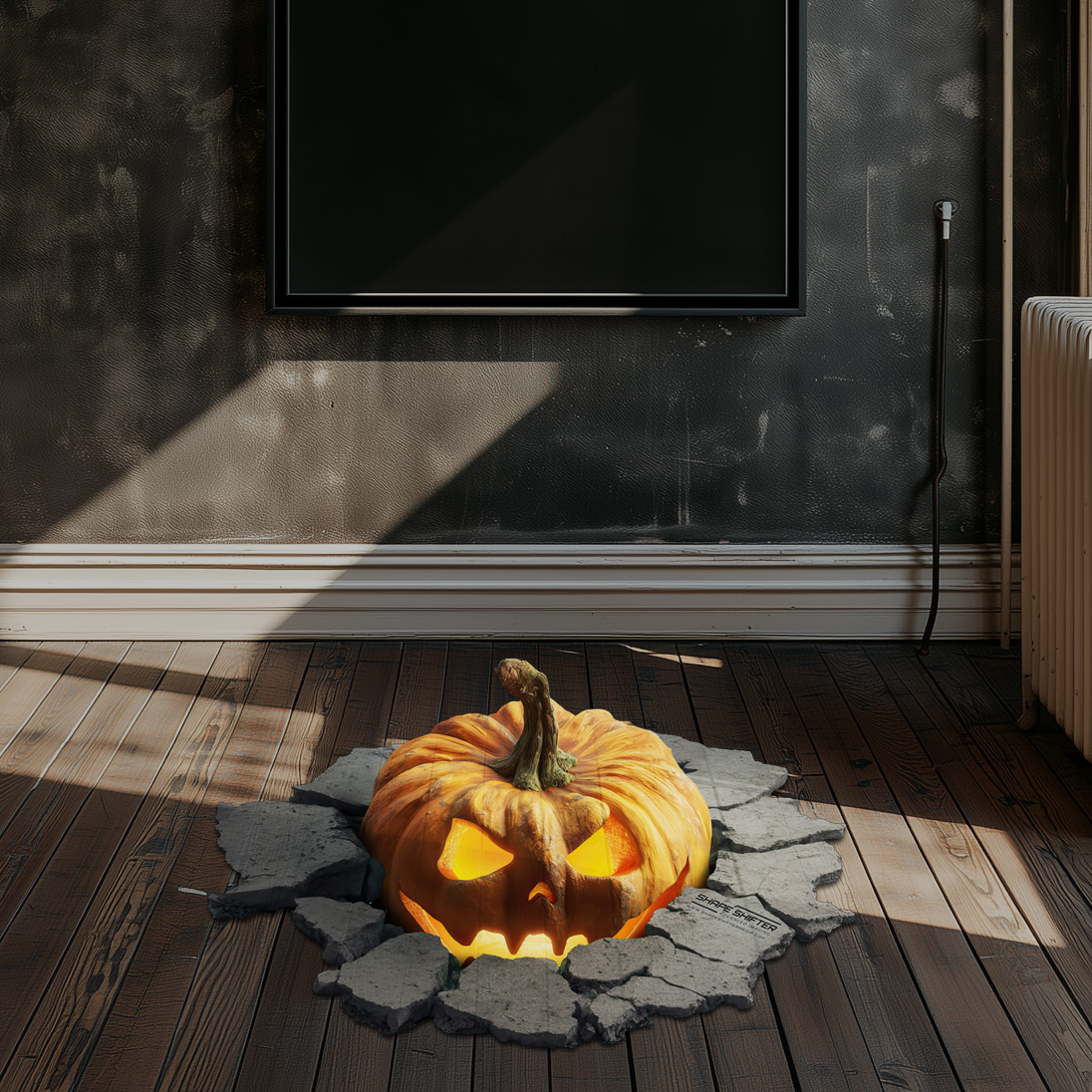
-
1
Choose a layout
Pick one of our designs to preview on your floor -
2
Place the layout on your floor
Use your mobile camera to position it at true size -
3
Get the mockup
Download your preview photo instantly
Choose your floor graphic
Browse our collection and pick the design that works best for your space.
Popular right now
Ready for Halloween
All designs
Nothing matches that.
Hold your phone like this
- 1Hold the phone upright at chest height.
- 2Tilt it down toward the floor in front of you.
- 3Hold it there until the indicator turns green, then take the shot.
Hold the phone upright
Straighten it up so the picture sits level
tilt down
Turn your phone upright — landscape is not supported yet.
First, lay the grid on your floor
Tilt it until the squares sit flat on the ground, like tiles. Each square is one metre.
You cannot get this wrong in a way that breaks the mockup — the grid only tells us where the floor is. Nothing here changes the graphic itself.
Where should we send it?
We will email the mockup so you still have it tomorrow.
Here it is
Want it printed and installed for Halloween? Order by 9 October so production and shipping make it in time.
Building your mockup…